Foundation · Pilot
Personal IP coach
Turn your real experience into a clear direction, useful topics and a shootable first video.
Personal AI wallet
Top up and view wallet recordsAvailable balance Not loaded
Text AI uses your shared personal wallet at provider token rates and the site's accounting exchange rate. No platform markup. Agent subscriptions are separate; video pricing follows its own rules.
Uploads, saving topics and viewing frameworks do not call AI. Fractions of a cent carry forward instead of rounding up each request.
You can preview the framework and cost confirmation. Paid generation is not enabled yet, and no funds will be reserved until it is opened.
Your IP incubation journey
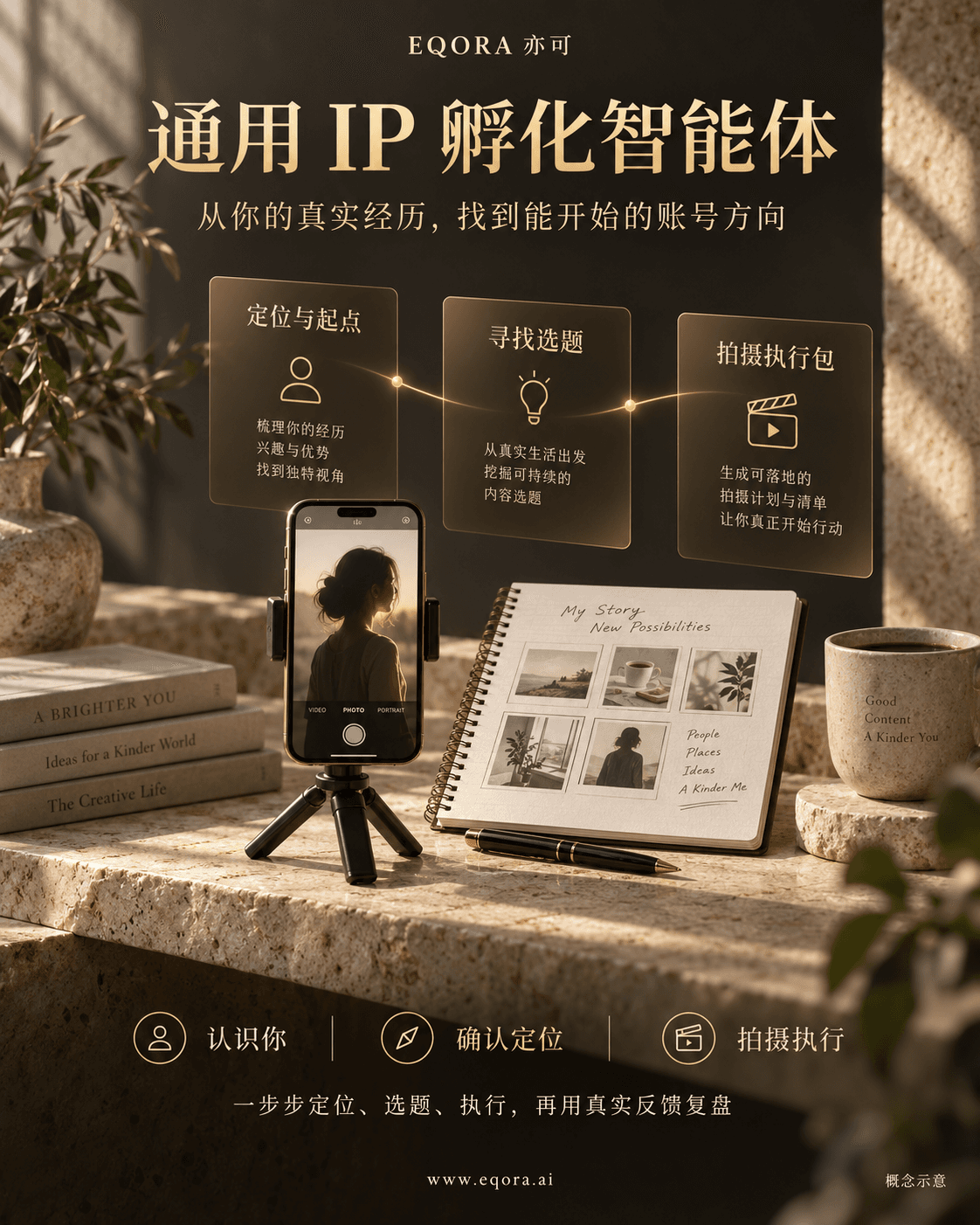
Introduce yourself or share your material → confirm your positioning → choose a topic → create a filming pack. Move forward after each decision.
- 1 · Current stepGet to know you
- 2Find a direction and starting point
- 3 · After the previous stepFind useful topics
- 4 · After the previous stepCreate a filming pack
- 5 · After the previous stepImprove my draft
- 6 · After the previous stepReview a published video
View step 2: positioning and starting point framework
Structure preview only: opening this panel does not call AI or advance your journey. It follows the existing foundation Skill. The full knowledge base is still being prepared; real generation will be tested after it is connected.
1 · Your situation and real strengths
Understand your experience, skills, purpose and constraints. Explain which real strengths could support your account; do not invent credentials or achievements.
2 · Who you can help
Suggest an audience, the problems you can help with and why you fit. Distinguish your stated facts from needs that still require validation.
3 · Recommended account direction
Describe your role, audience, value and broad content direction, with reasons tied to your experience. This is an adjustable draft, not a final decision or a list of specific video topics.
4 · An achievable starting point
Choose a feasible format and difficulty using your willingness to appear on camera, equipment, materials and available time. Give a first action and preparation needs, without writing the filming pack yet.
5 · Reasons, methods and limits
Explain the user facts and connected methods actually used, and identify assumptions or missing evidence. Develop the reasoning as needed instead of forcing a short conclusion.
6 · Details to clarify
If a critical detail is missing, ask before deciding. Ask only questions that could change the recommendation, up to three groups, without repeating known information.
How does this direction feel to you?
These are the choices shown after a positioning draft is generated. They are described here for review; this panel does not confirm anything for you.
- This fits me · continue to topic ideas
- Record your confirmed direction for this session, then call AI to suggest a batch of specific topics.
- I want to adjust it
- Tell the assistant what does not fit. Sending your explanation calls AI to revise the positioning; it stays at this step until you confirm.
- I am not sure · help me compare
- Call AI to compare two or three feasible directions and their tradeoffs, then let you choose. Topic generation waits for your confirmation.
View step 3: topic selection framework
Structure preview only; no AI call or workflow change. In the real journey, this step follows your explicit positioning confirmation and uses the foundation Skill and connected references.
1 · Build on your confirmed positioning
Use your confirmed audience, account direction, real experience, goal and filming conditions. If a missing detail would change the topic choice, ask for it first.
2 · Suggest a batch of specific topics
Start with 10 topics; later batches can use 5, 10 or 20, and keep expanding. For each topic, explain the title, audience problem, viewer value and why it fits your experience. Focus each video on one useful problem.
3 · Check whether you can film it
Suggest a format, explain the difficulty and identify required materials or evidence. Real repair, product and result demonstrations need actual footage or evidence.
4 · Recommend a first choice with reasons
Recommend a feasible first topic based on audience usefulness, your strengths and execution difficulty. Explain which facts and methods support it, and which needs are hypotheses. Do not promise viral results.
Which topic do you want to film first?
- Choose this topic · create the filming pack
- Click a topic to select it and directly create its filming pack. Save other ideas for later. A revised title can also be entered and confirmed.
- Save other topics for later
- Each generated topic has a save action. Saved topics remain in your list; when ready, select one to create its pack with your current confirmed positioning.
- Not a fit? Continue adjusting in the conversation
- Explain what feels wrong or add a real idea, question or material. Sending it calls AI to refine the topics; it does not confirm a topic for you.
This step contains topic recommendations only; full scripts and storyboards follow your selection. Verified online video examples and metrics are not connected yet.
View step 5: filming feedback and revision framework
Structure preview only; no model call or progress update. After a filming pack is ready, use the feedback entry to improve that version. You can ask about filming difficulties before publishing.
1 · Choose the pack and describe actual progress
Choose a pack version from the current topic and positioning. Tell the assistant whether you are preparing, tried a few shots, finished filming or published; generating a pack is not proof of filming.
2 · Describe the specific difficulty
Which spoken line feels awkward, which shot is hard to film, what took too long, or what materials are missing? Include the shot number or timestamp when useful, and what actually happened.
3 · Explain what you want to change
For example, make the wording more natural, simplify camera positions, switch to hands and voiceover or shorten the video. Mention what worked and should stay, plus any new filming constraints.
4 · Receive revisions and one next practice
Explain the changes and reasons against the chosen pack. With enough information, provide a complete revised script, matching storyboard and preparation list; otherwise ask for the critical missing detail. Finish with one achievable practice.
Review the revision, then try filming again
If the revision fits, try it; if not, continue explaining what needs adjustment. After publishing, use the separate performance-data entry to review views, saves, comments and audience questions.
Feedback currently uses text or TXT, Markdown, CSV and JSON references. Video and audio recognition are not connected; the assistant cannot claim to have watched your footage.
Pack versions and feedback remain in this tab and can be exported; refreshing clears them. Saving a topic does not save its filming pack or feedback.